

Block ads and trackers
Cut the ad clutter. Focus on what you're reading.
Brave Shields: ad and tracker blocking, on by default.
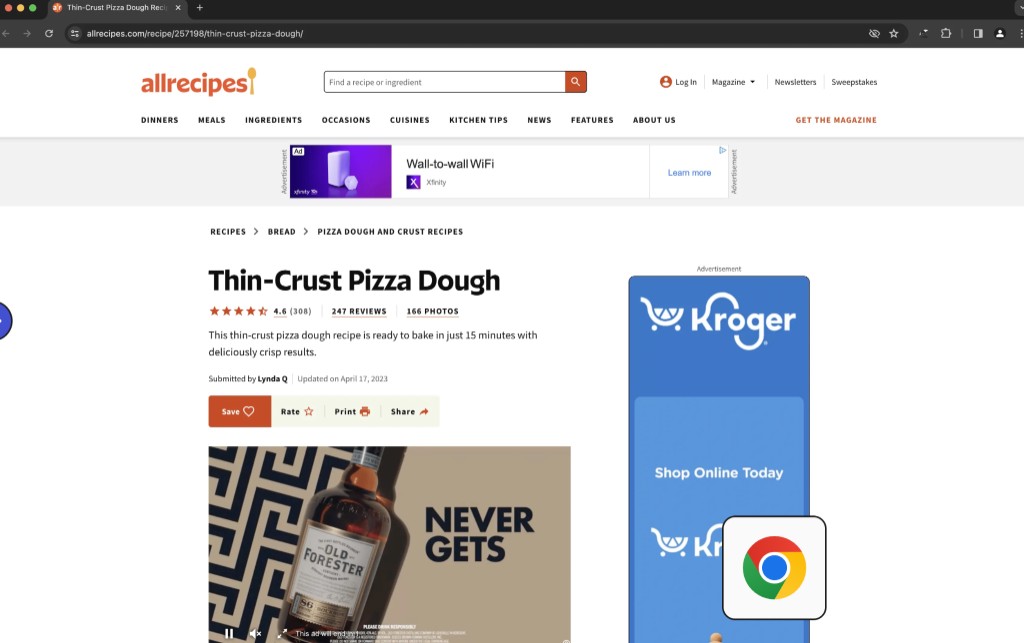
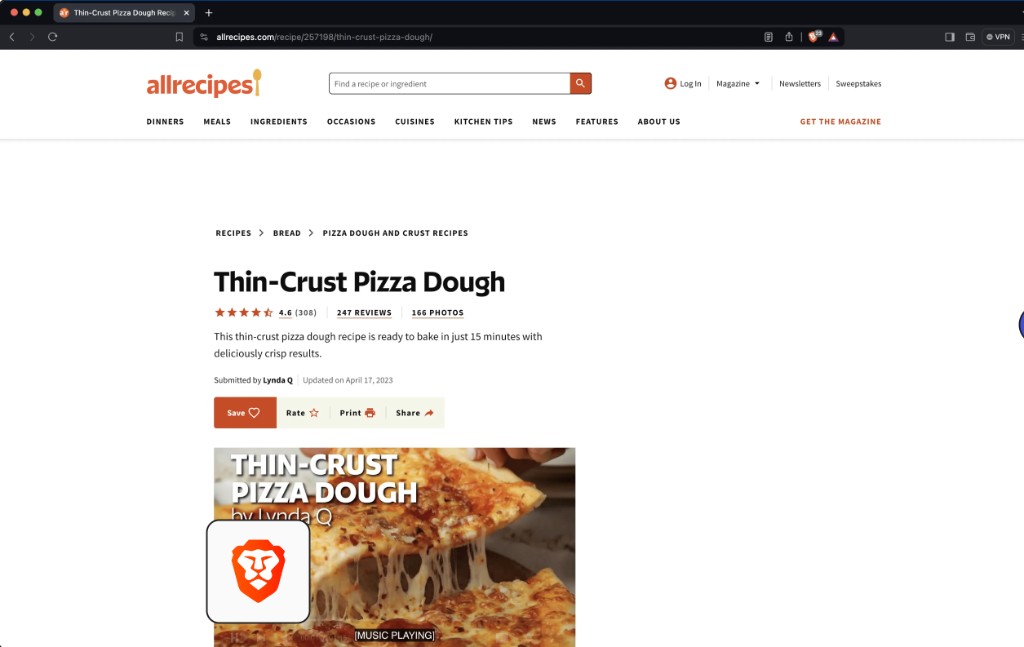
No ad-blocker extension required. Brave Shields cuts page ads, cross-site tracking, and other browsing clutter.
How Brave Shields protects youyour browsing?
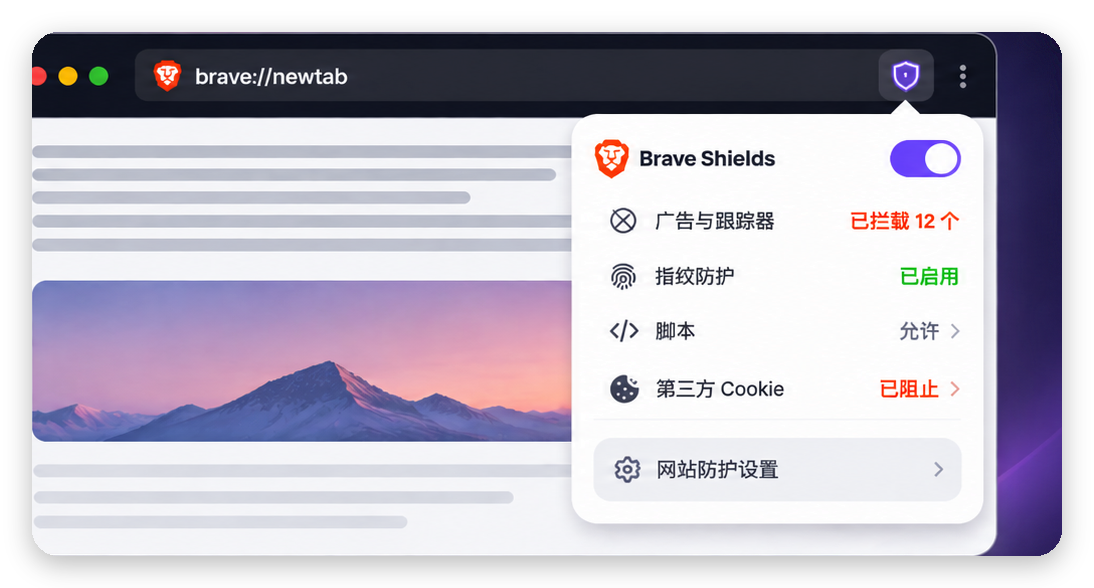
Brave Shields recognizes and blocks many third-party ads and trackers, cutting clutter and cross-site tracking. No extra extensions needed—protection is on by default. Tap the Shields icon in the address bar to see what's blocked and fine-tune settings.
Block cross-site tracking
Limit unnecessary tracking of your browsing.
Flexible protection settings
Adjust settings site by site.
Protect your privacy,
We respect your choices, too.
Some sites need different rules. Brave Shields lets you adjust protection per site—fewer ads and trackers while keeping pages usable.
Flexible control
Adjust protection per site
Broad compatibility
Quick fixes when something's off
More room to customize
Manage ads, scripts, and cookies separately
Brave Shields
Everyday browsing
 FAQ
FAQ
A quick look at Brave Shields—ad blocking, privacy, and settings—for an easier browse.
Download Brave for freeWhat is Brave Shields?
Brave Shields is built-in ad and tracker protection—on by default, no extension required.
Do you need other extensions?
Usually not. Shields already covers baseline ad and tracker blocking—you can still add extensions if you want.
Does Shields block every ad?
We can't promise every ad is blocked. Sites implement ads and tracking differently, so results vary.
How do I adjust Shields for one site?
Click the Shields icon in the address bar to view and adjust protection for the current site.
Why do some sites need Shields adjusted?
A few sites need blocked scripts or resources to work fully. Temporarily relax settings for that site if you need compatibility.
Fewer ads. More of the good stuff.
Download Brave—ad blocking, tracker protection, and a calmer way to browse, built in.
Download Brave for freeFor Windows, Mac, Linux, Android, and iOS.