

Demo results
What is a privacy-first search engine?
A privacy search engine relies on an independent index and minimal profiling—find what you need with less long-term linkage of your searches.
Brave Browser · Privacy by Default
Brave is a modern browser built around privacy—with ad blocking, tracker protection, and a smart AI assistant for easier, calmer browsing.
Available on Windows, macOS, Linux, Android, and iOS.
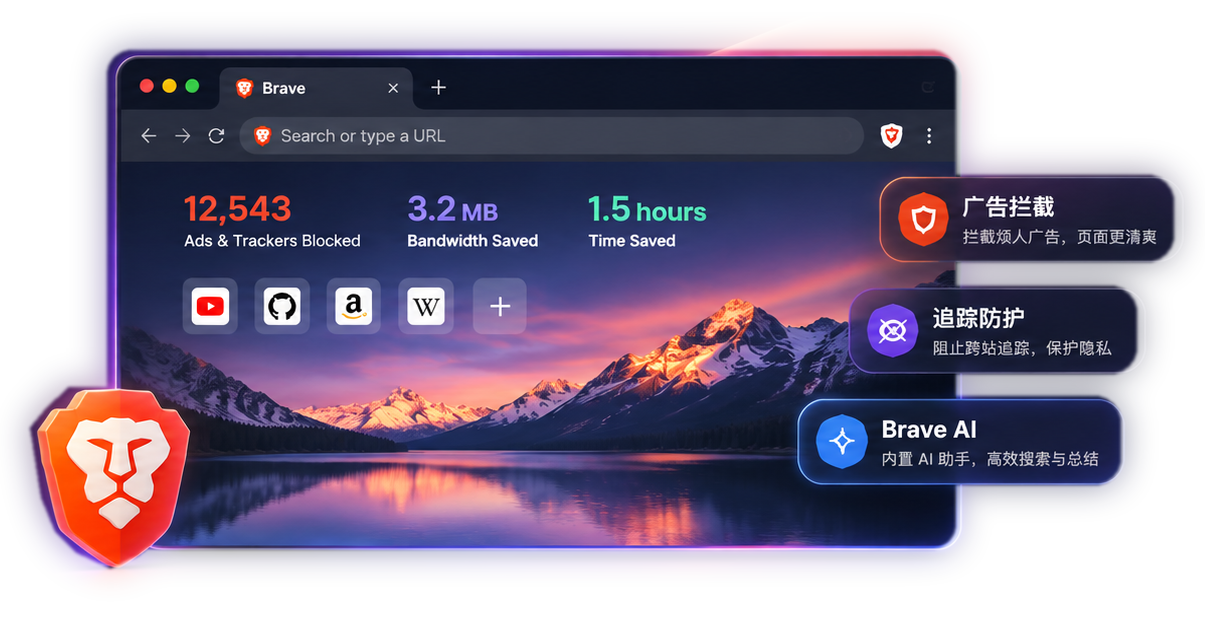
More than opening tabs. From privacy and ad blocking to day-to-day feel, Brave offers a better way to browse.
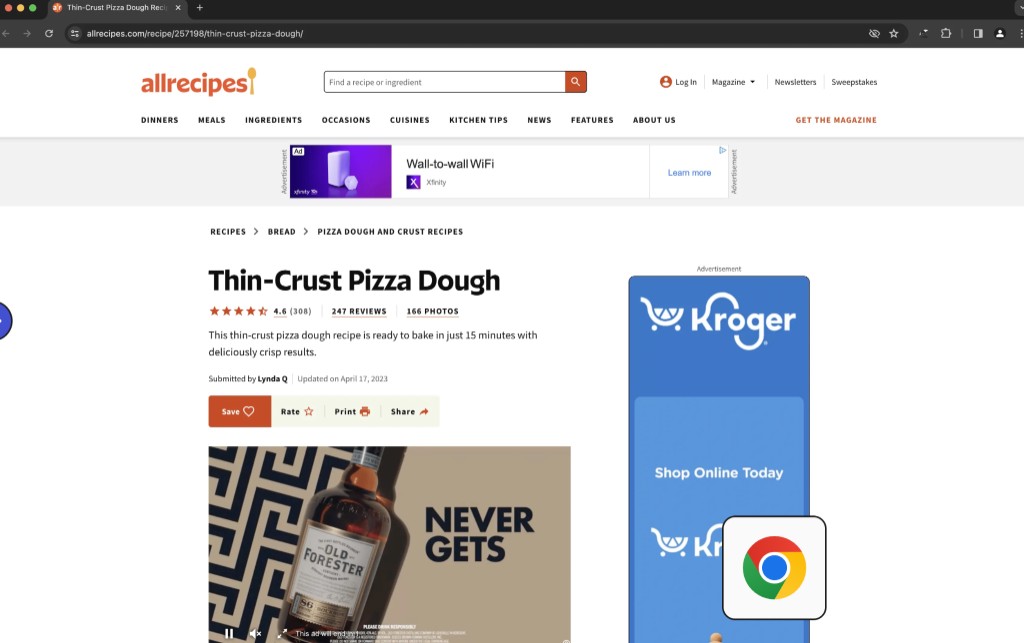
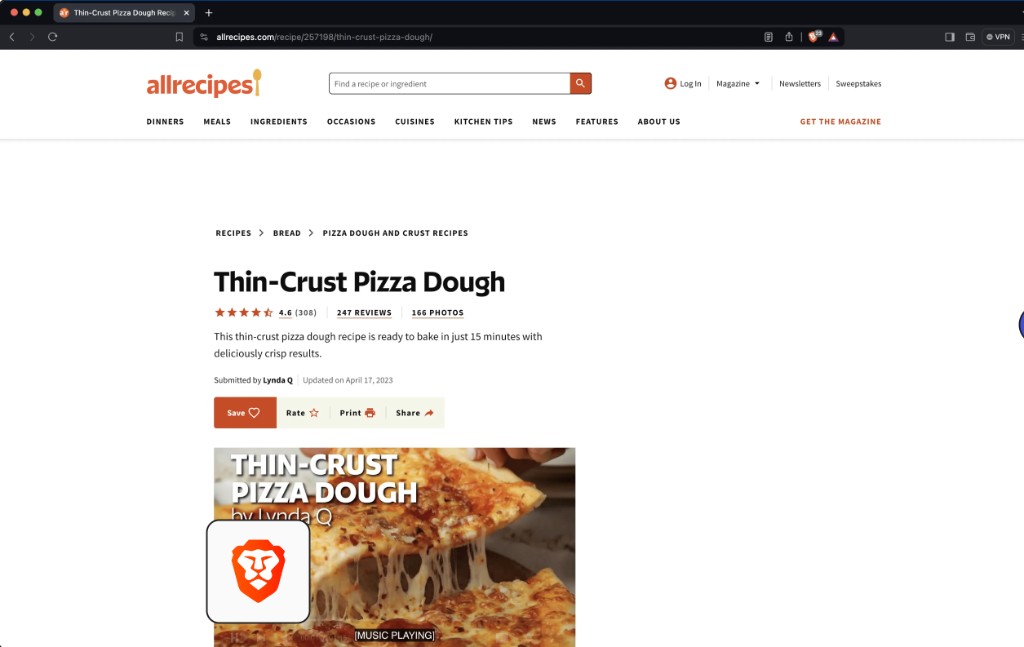
Brave filters many third-party ads and trackers without a separate blocker extension—cleaner pages by default.
About ad blocking →Built-in protections help Brave limit cross-site tracking, third-party Cookies, and some browser fingerprinting techniques.
Explore privacy features →Blocking extra ads and trackers keeps content front and center and can reduce data and resource use on some pages.
See what Brave offers →Brave Shields
Pages shouldn't be buried in ads, pop-ups, and trackers. Brave Shields blocks ads and trackers by default—less noise, less third-party tracking. No complicated setup: install Brave and you're set.
Privacy First
Browsing, searching, and reading online shouldn't cost you your privacy. Brave bakes in protections that limit cross-site tracking and make your settings easier to control.
Limits how ad tech and trackers follow your activity across sites.
Built-in protections make it harder for sites to fingerprint you from your browser.
Manage Cookies, site permissions, and Shields options when you need to.
Brave Leo AI
Long articles, dense pages, scattered notes—you don't have to juggle a pile of apps. Brave Leo lives in the browser to summarize, translate, analyze documents, and help you write.
Leo is free to use, with a premium subscription for more models and higher limits.
Brave Search
Brave Search is a privacy-first search engine with its own web index—not built around a profile of you. Look things up, discover sites, or get AI-assisted answers, all starting from Brave Search.
Demo results shown for illustration; a real search opens Brave Search.
Demo results
A privacy search engine relies on an independent index and minimal profiling—find what you need with less long-term linkage of your searches.
Use Brave at work, at home, or on the go. With Brave Sync, keep bookmarks, passwords, and other browsing data in step across supported devices.
Brave keeps much of what feels familiar in a browser, with ad blocking and privacy built in. Compare features and see what fits your habits.
| Features | Brave | Chrome |
|---|---|---|
| Everyday web browsing | Support | Support |
| Built-in third-party ad blocking | Included by default | No comparable blocking enabled by default |
| Cross-site tracking protection | Built-in protection | Privacy controls that work differently |
| Browser extensions | Chromium extensions on desktop | Support |
| AI features | Brave Leo built in | Google-powered AI features |
| Data sync | Brave Sync | Google account sync |
| Mobile support | Support | Support |
Comparison details may change—recheck as browser versions update.
Keep what feels familiar—switch to a better way to browse in a few easy steps.
Pick your device and download Brave for your platform.
Run the installer when prompted, then open the browser.
Import supported bookmarks, passwords, and settings from your current browser when you're ready to switch.
From desktop to phone, pick the Brave build for your device and browse with less friction.
Swipe to see more platforms
Pick a platform for download instructions.
Quick answers on pricing, supported devices, ad blocking, and moving your data.
Download Brave for freeDownload Brave for built-in ad blocking, privacy tools, and smart AI—no heavy setup, just open and browse.
Download Brave for freeFor Windows, Mac, Linux, Android, and iOS.
Download Brave for free
Download