How is Brave different from Chrome?

Both browsers handle everyday browsing, but they take different approaches to default privacy, ad blocking, and overall experience.

Brave ships with ad and tracker protection plus Leo AI—familiar browsing with more privacy control.

Brave vs Chrome browser UI comparison

Four key comparison areas

Privacy protection

Brave limits cross-site tracking by default to cut down on unnecessary data collection. Chrome has privacy controls too, but defaults and product priorities differ.

Brave Browser

Privacy by default—for browsing that feels better.

Brave is built on Chromium for a familiar feel and extension compatibility, with ad blocking, tracker protection, and Brave Leo AI built in.

Feature highlights

  • Ad and tracking protection by default
  • Brave Shields built in
  • Includes the Leo AI assistant
  • Supports Brave Sync

Google Chrome

A familiar experience plus the Google services you rely on.

Chrome is also Chromium-based, with a huge extension library, Google account sync, and related AI features— a natural fit if you live in Google services.

Feature highlights

  • Large browser extension ecosystem
  • Google account and services integration
  • Gemini-powered AI features
  • Sync data across devices

Detailed feature comparison

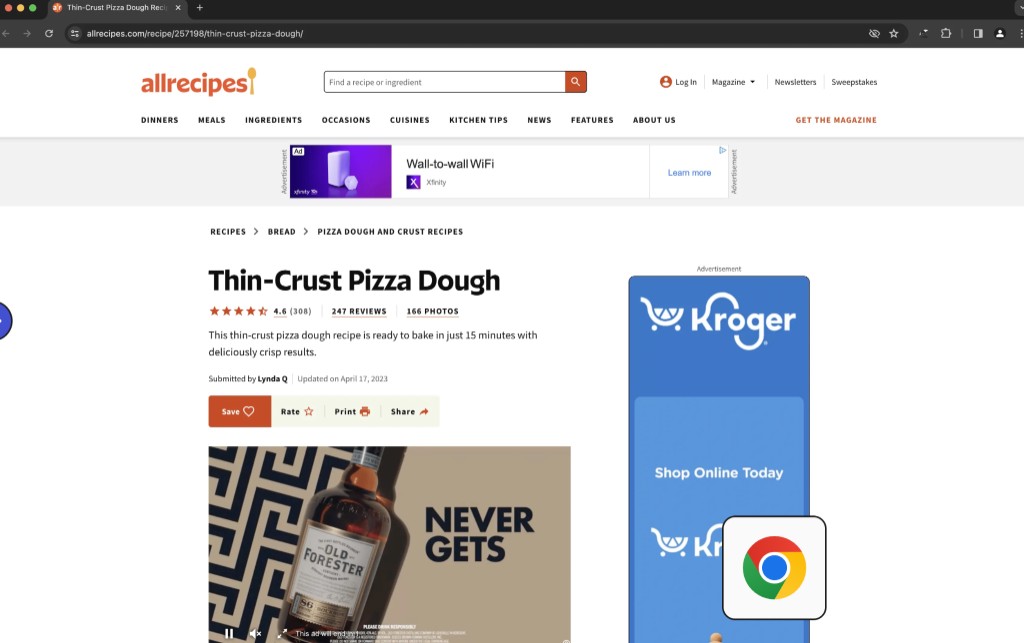
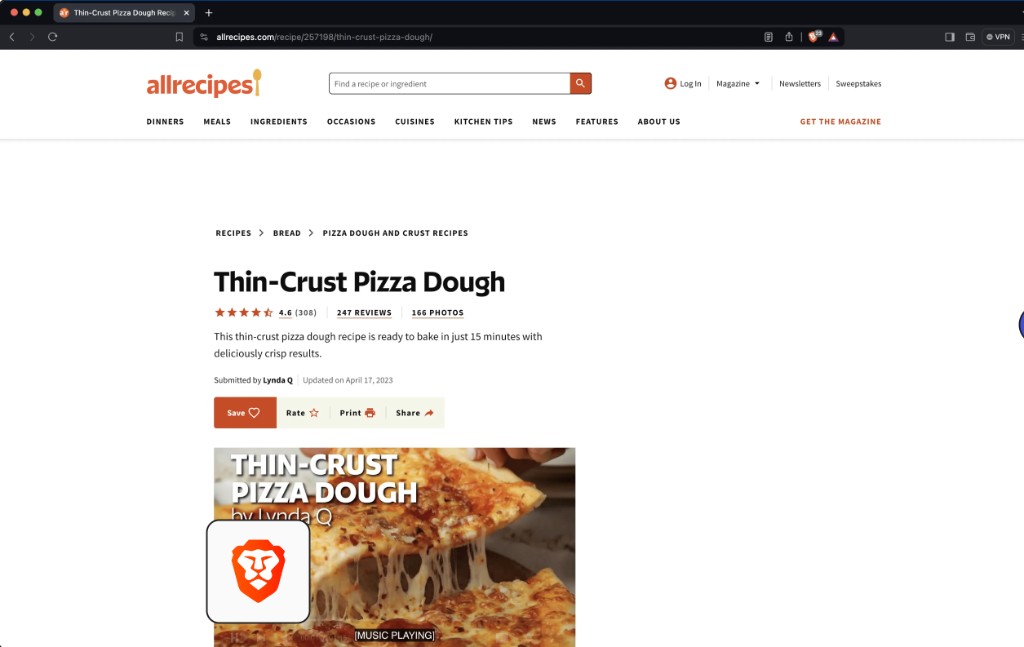
See default ad blocking and privacy side by side on the same page scenario.

FeaturesBraveChrome
Ad blocking on by defaultBrave Shields built inNo equivalent third-party ad blocking by default
Privacy and tracking protectionCross-site tracking protection by defaultPrivacy controls you can use
Extension ecosystemDesktop works with many Chromium extensionsWide extension ecosystem
AI assistantBrave LeoGemini features (availability varies by region, device, and account)
SyncBrave SyncGoogle account sync
Brave Shields Everyday browsing
Example page: ads everywhere in a typical browser
A cleaner page with Brave Shields on

Illustration of default experience on the same page scenario; your latest local build is what counts.

Want a different way to browse?

Download Brave and try default ad blocking and privacy on sites you already use.

Download Brave for free

For Windows, Mac, Linux, Android, and iOS.

Download Brave for free

Download